Character Design Studio: Creative Avatars
Reviews
Description
Getting Started with Character Creation
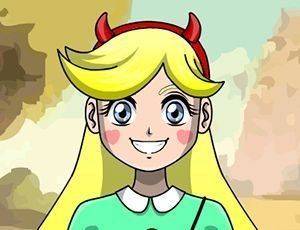
Players begin by selecting a base shape for their digital persona. From there, they can modify skin tones and hairstyles to establish a distinct look. The interface relies on simple drag-and-drop controls, making it easy for anyone to pick up and start designing.
Customization Options and Tools
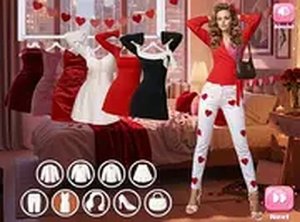
A broad collection of facial elements allows for fine-tuning expressions. Options include various eye shapes, nose styles, and mouth designs. Clothing pieces, headwear, and accessories add further personality. Background scenes can be swapped to match different moods or themes.
Visual Style and Atmosphere
The color palette is bright and welcoming, creating a calm space for artistic play. There are no threatening images or intense sequences. The overall look is clean and cheerful, which suits players of all ages.
Sharing and Saving Designs
Completed characters can be saved as image files for personal use or to share with friends and family. The game may allow storing multiple designs so users can revisit and refine their work later. This encourages ongoing creative exploration.
Tips for Creative Exploration
Try unusual color combinations or mix different accessory styles to see what stands out. Save drafts of your work to compare progress. There is no single correct way to design, so experimenting freely often leads to the most satisfying results.





Comments
Sign in to comment
You must be logged in before posting a review or rating.
No account? Create one
No comments yet. Be the first to comment!